For a TTRPG game: Discord bot or audio file?
The choice begins with a simple question: where does your game happen?
If everyone is already talking in a Discord voice channel, the bot avoids handling a file after play. If you are around a physical table or already have a file, add the audio directly.
Both methods begin with the real conversation. They do not follow the same path afterwards.
Choose Discord for a game in a voice channel
The bot joins the channel where you play. One person starts VoLog with /volog start and stops it with /volog stop.
You do not need a VoLog account before you begin. Someone only needs permission to add the application to the server, or they can send the invitation link to the person who has it.
After the game, the person who started VoLog receives the short recap of the game and a transcript link by direct message. Other participants can request the short recap of the game. The person who started VoLog can link each voice to the GM, a PC, or a custom name, and then decide whether to create a Session.
This works well when:
- the useful conversation already happens on Discord;
- you want to keep the different voices separate;
- you prefer to read the transcript before creating a Session;
- you do not want to handle a file after the game.
Choose a file for an in-person game
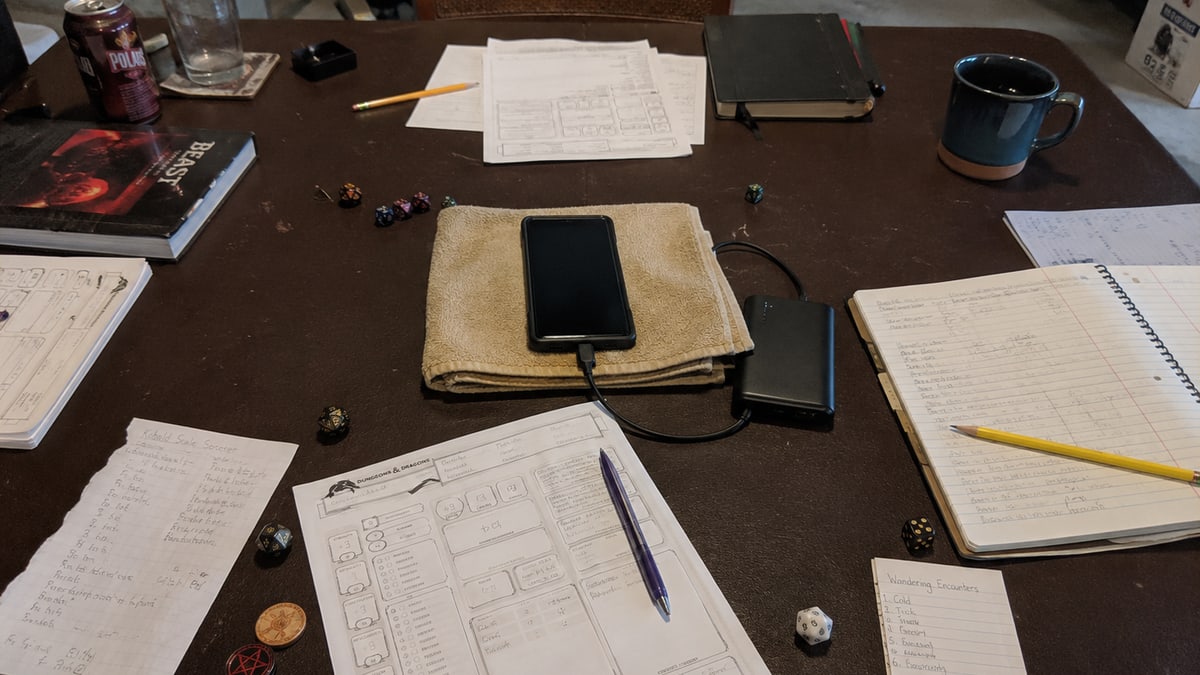
A phone near the middle of the table is often enough for a first recording. You can also use a computer or voice recorder.
After play, add the file from the "Create a Session from an audio file" page. A VoLog account is required, and the cost appears before you confirm.
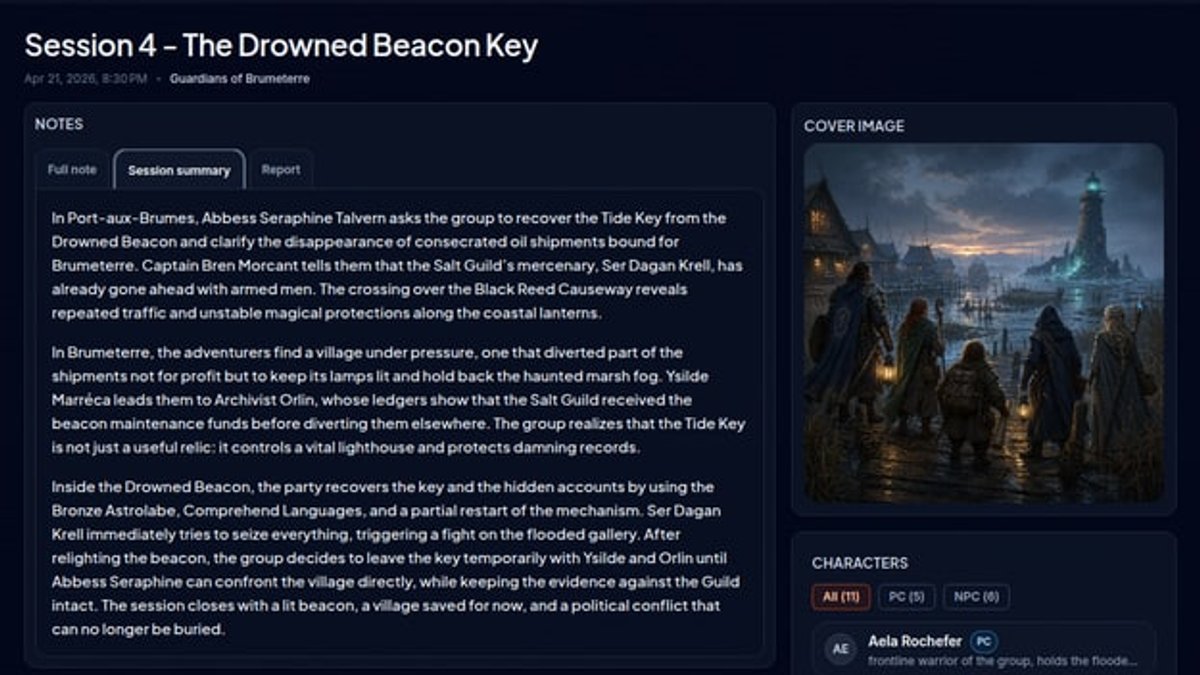
This method creates the Session directly. You review the Full note first, then approve preparation of the Session summary, Session report, Highlights and structured details.
It works well when:
- everyone plays in the same room;
- you already have an MP3, WAV, M4A, WEBM, or OGG file;
- the game lasts no more than 8 hours and the file is no larger than 1 GiB;
- a continuous transcript is enough for your needs.
Every voice is on the same track, so VoLog cannot attach each line to a person as it can with Discord.
Keep the two paths separate
After a Discord game, open the transcript from the link sent by the bot or from the Workshop. You then choose whether to create a Session.
A personal file creates a Session directly. You do not need to add it when the Discord bot already followed the game.
If your group moves between in-person and remote play, choose the method that suits each evening. The same campaign can hold Sessions created with either method.
The best choice is the one that adds the fewest chores during play: the bot in a Discord channel, or the audio file when you have already prepared it.