Fix one mistake across the whole Session without editing everything by hand
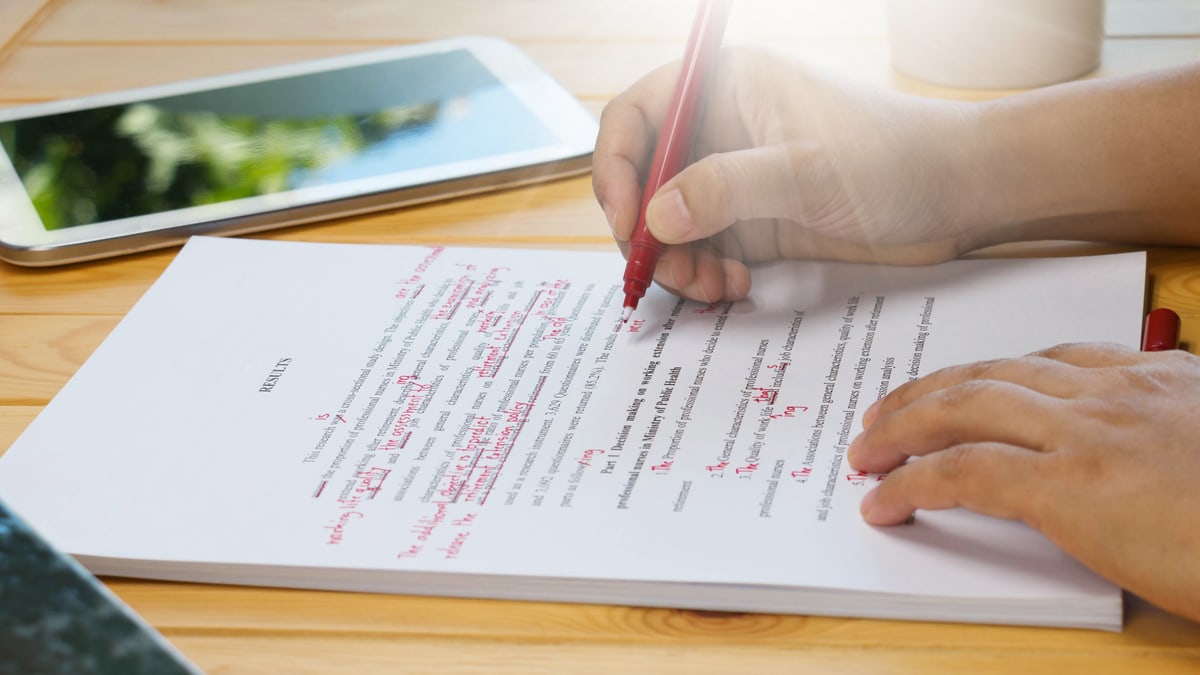
Before: fixing the same mistake in several places
You finish reading a Session and notice that a character name is wrong. You fix it in the Full note, then find it again in the Session summary, Highlights and character page.
A small mistake can quickly turn into a lot of work. You have to remember every place where it appears, avoid missing one, and make sure the writing does not disagree with itself afterward.
After: describing the problem once
You can now ask VoLog to prepare the changes across the Session.
Open "Correct the Session" from the Session page. Explain what is wrong or missing in your own words.
You might say that a name was written incorrectly, two locations were confused, or a decision was given to the wrong character. A short, precise request is often much easier to check later.
VoLog reads the Full note and any other existing writing that may be affected: the Session summary, Session report, other versions, Highlights, characters, locations, items, spells and powers.
While this is being prepared, you can still read the Session. You just cannot edit it at the same time. That pause prevents changes from being based on writing that is already out of date.
You can leave the page and come back later. The progress remains available from the Session.
When the preparation is ready, VoLog shows every change. Nothing has been applied yet.
Take a moment to check:
- the corrected passage in the Full note;
- the affected lines in the Session summary and other writing;
- any change to a character shared across the campaign;
- anything that VoLog asks you to review yourself.
You can approve all the changes or cancel the correction. Nothing is applied without your final approval.
Update everything together
Once you approve, the Full note and the affected writing are updated together. You do not need to apply each part separately.
If the Session has changed since the correction began, VoLog stops instead of overwriting the newer edits. You will need to begin again from the latest version.
That may feel strict, but it protects work you have just done.
What this correction does not do
A correction does not create a part that did not already exist. If the Session had no Highlights, it will not add them simply because one name was fixed.
The Session illustration is not remade automatically. When the Full note changes, VoLog marks the illustration for you to review.
Older Sessions in the campaign are not rewritten. A character page shared across the campaign may need a change, but you will see that change before you approve it.
You still need to read the changes
This saves you from searching for the same mistake again and again. It does not make every correction perfect.
Read each change as carefully as you would read an important edit to your own notes. You know the campaign, the players' intentions, and the meaning of a scene better than VoLog does.
Finally, editing only the Full note does not automatically update the Session summary and everything else. When the same mistake appears in several places, use "Correct the Session" to keep all the writing consistent.